Digitalt studiekort
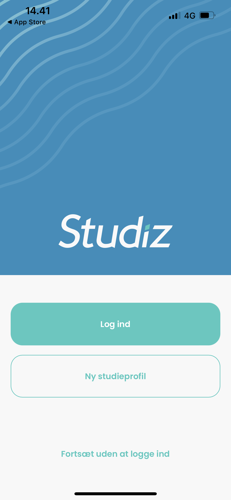
As a student at FGU Nordvest, you can get your student card digitally on your smartphone. To create your digital student card, simply follow these steps:
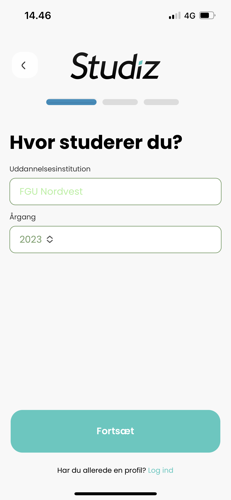
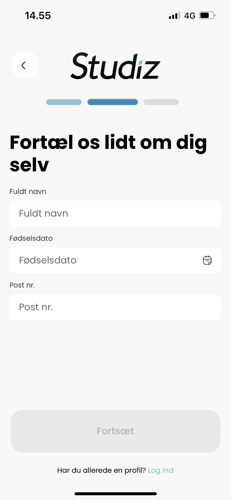
3.
Enter you email and password. Check that all information is correct and the click "Tilmeld dig Studiz". You will receive an email from Studiz. Confirm your email via the link.
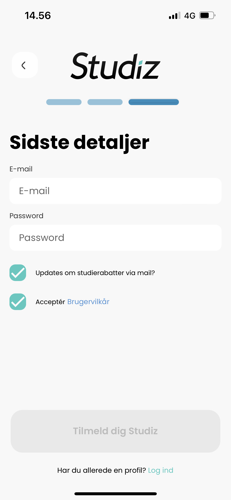
4.
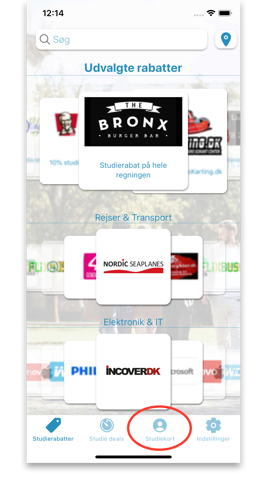
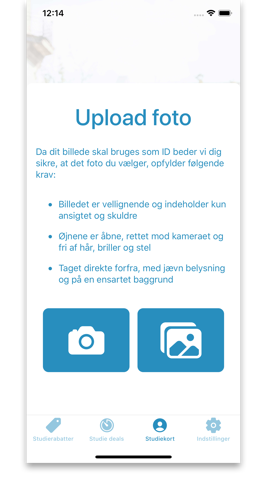
In the menu, click on ”Studiekort” to upload a photo for your student card.
Please note: The photo must be clear, appropriate, and resemble you, as it will be used for identification and class lists.
If you don't have a smartphone
You can still get a student card – just in a printed version.
Below you’ll find a guide for students who do not have a smartphone:
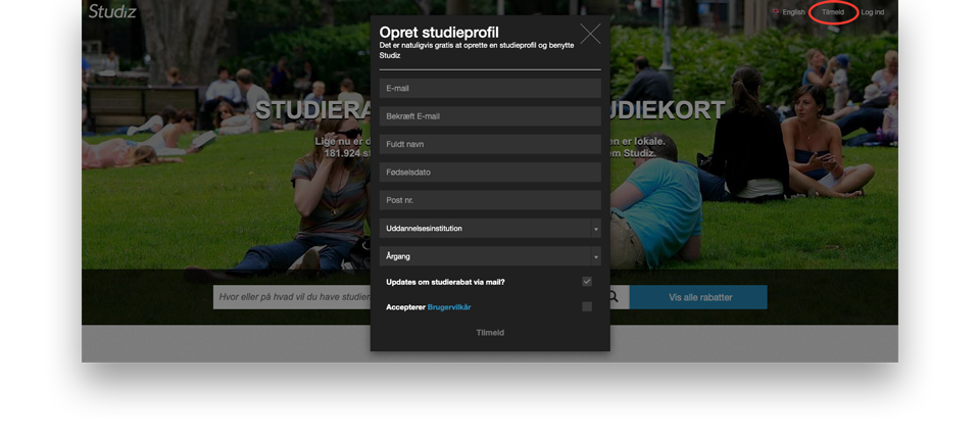
4.
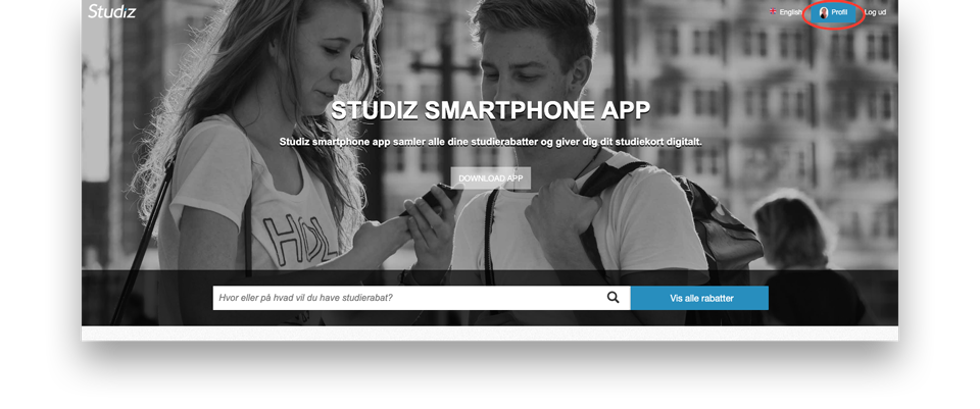
Click "profil" in the upper right corner after logging in.
5.
Click "Se og print et papir studiekort"
6.
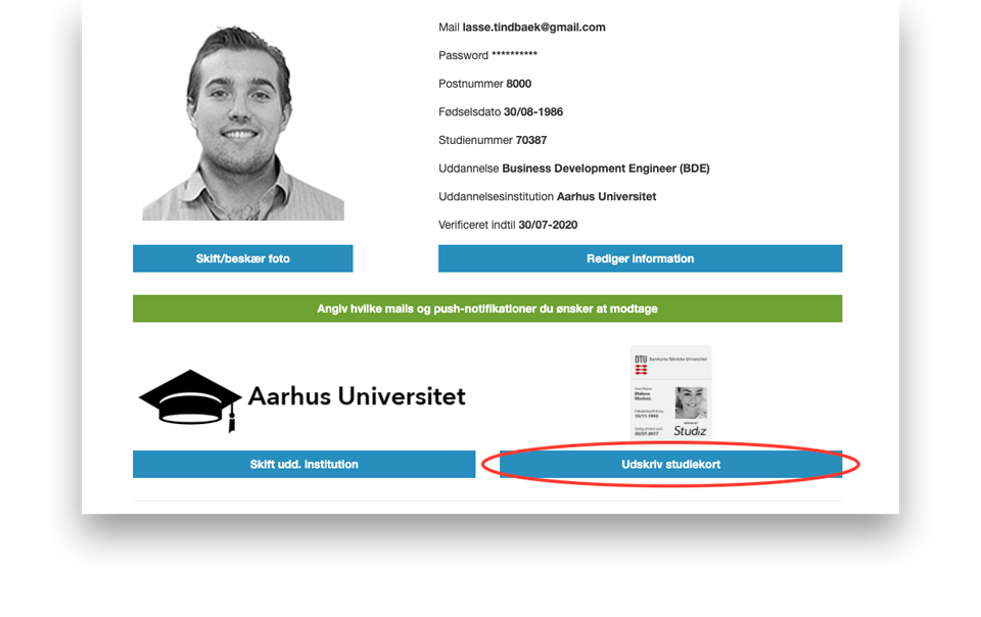
Clilck "Print studiekort"
7.
The printed version works the same way as the digital card.
It you have any questions or need assistence, please contact Studiz:
E-mail: info@studiz.dk
Telefon: 71 99 75 20

Find a school in your local area.
We offer the Preparatory Basic Education (FGU) programme in Thisted, Nykøbing Mors and Åbybro.